
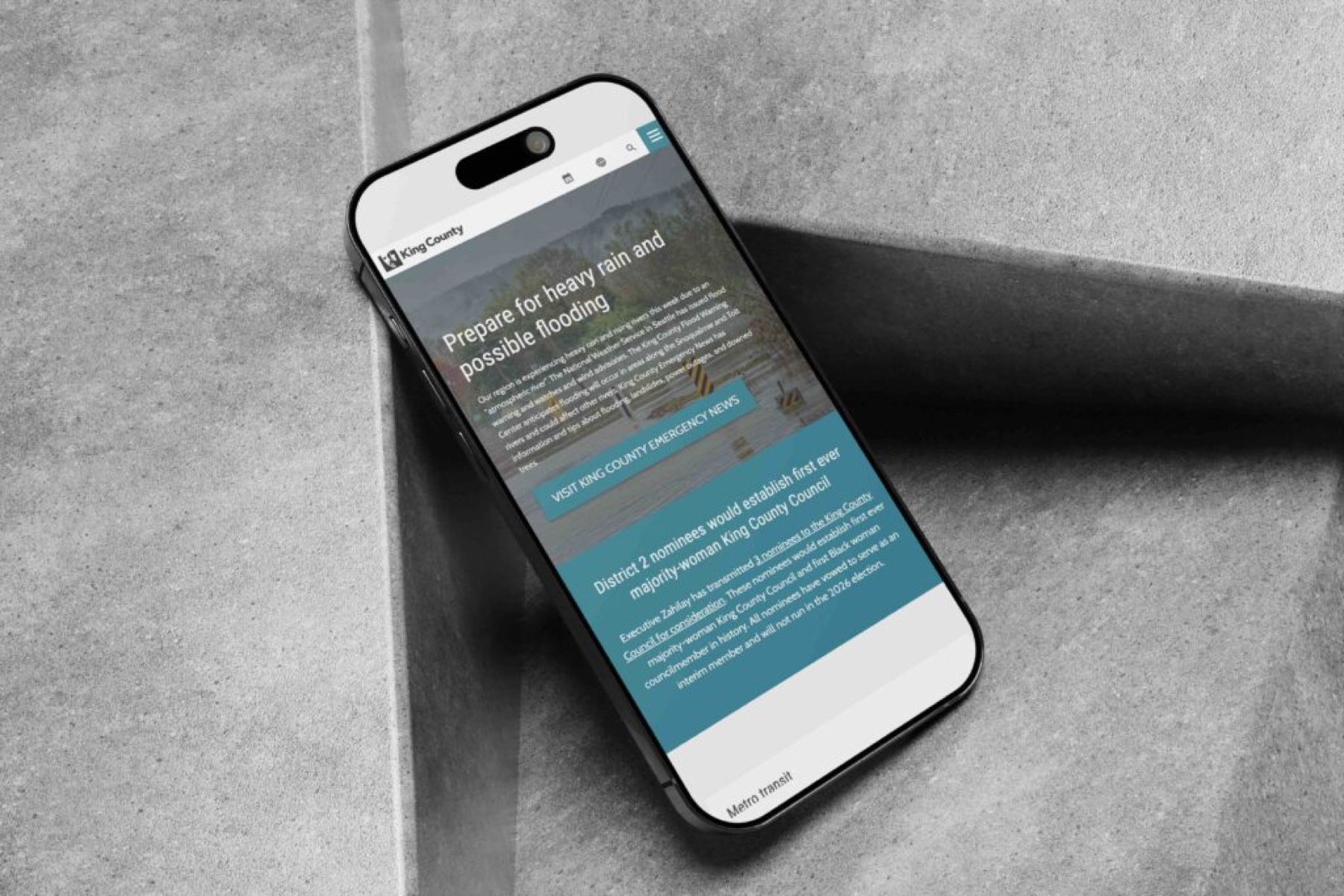
Case study · UX design · Design system
King County
One design system, LIQUID, behind 20,000+ county web pages across 60+ agencies.
Section 1
Measurable outcomes
Standard pages are less overwhelming, and departments can now build their own specialised sections, so residents can do more online.
- faster page updates across agencies, through a standardised 200-component design system
- 3×
- customers a year now file protection orders online, with no travel
- 4,000+
- estimated cost savings for the county, from 1,000+ staff hours saved per agency
- ~$1M
- core languages supported by ADA-compliant, translation-ready components
- 6
- agencies brought to one consistent digital presence
- 60+
- faster to ship and verify components with the side-by-side QA workflow
- 2×
Section 2
A county with no shared standard
King County has 18 departments, including Public Health, Metro Transit and Natural Resources and Parks, serving 2.2 million residents.
The county set out to modernise and unify every agency's web presence, so residents get one usable, accessible and consistent experience.
My role
I created the unified design system for 20,000+ pages. I built the UI kit in Figma and Sketch so assets could be shared and scaled, worked with developers on implementation, and ran training and wrote material to guide each department through the redesign.
Section 3
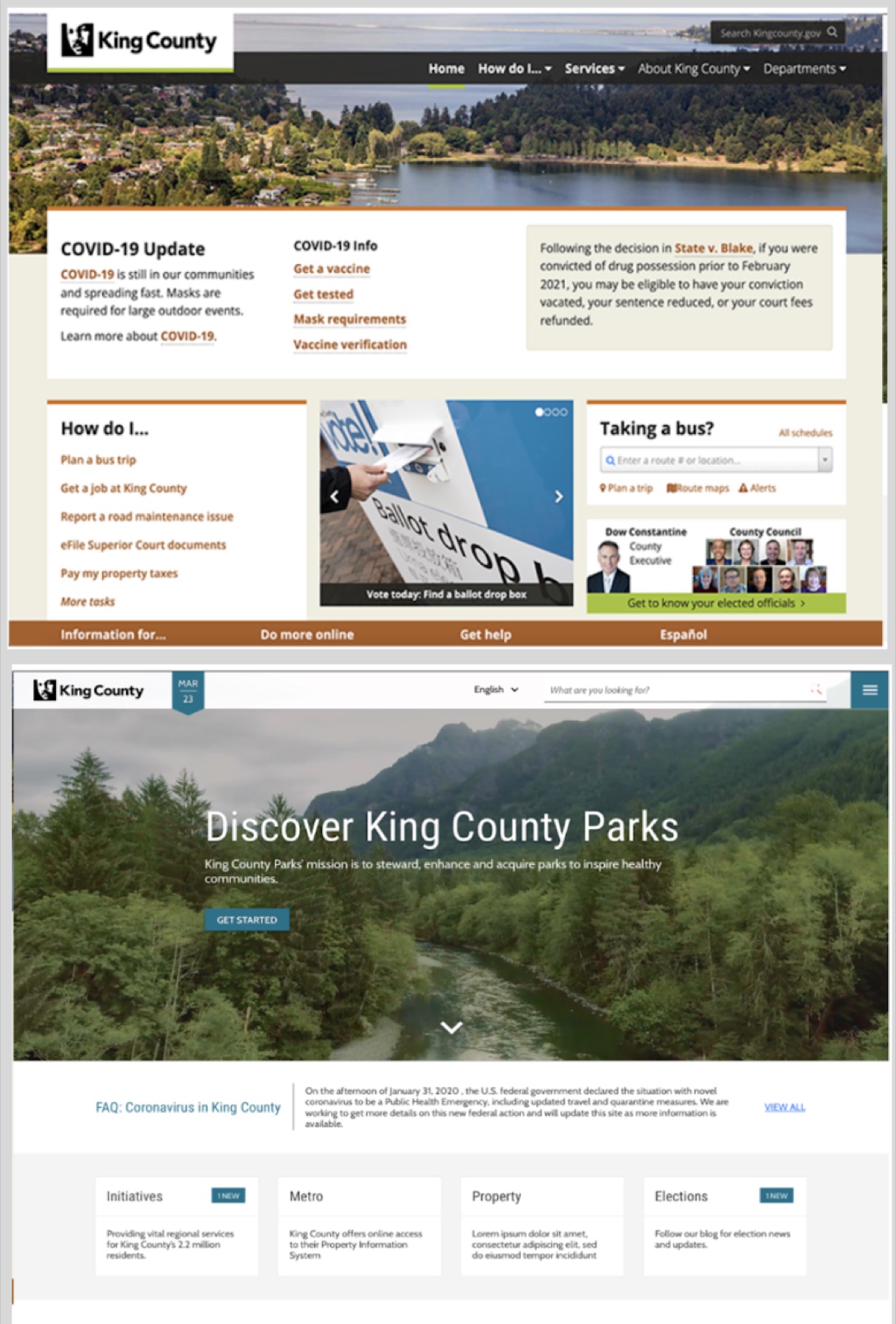
Before and after
Drag across the homepage to compare the legacy site with the redesign.
A heuristic evaluation of the old site found no unified design standard and a dated look and feel.
- Global alerts so disruptive that people left or got frustrated
- No standard way to find each agency's contact information
- Jargon that stopped people finishing their tasks
- A maze of an information architecture, with a confusing header menu
Section 4
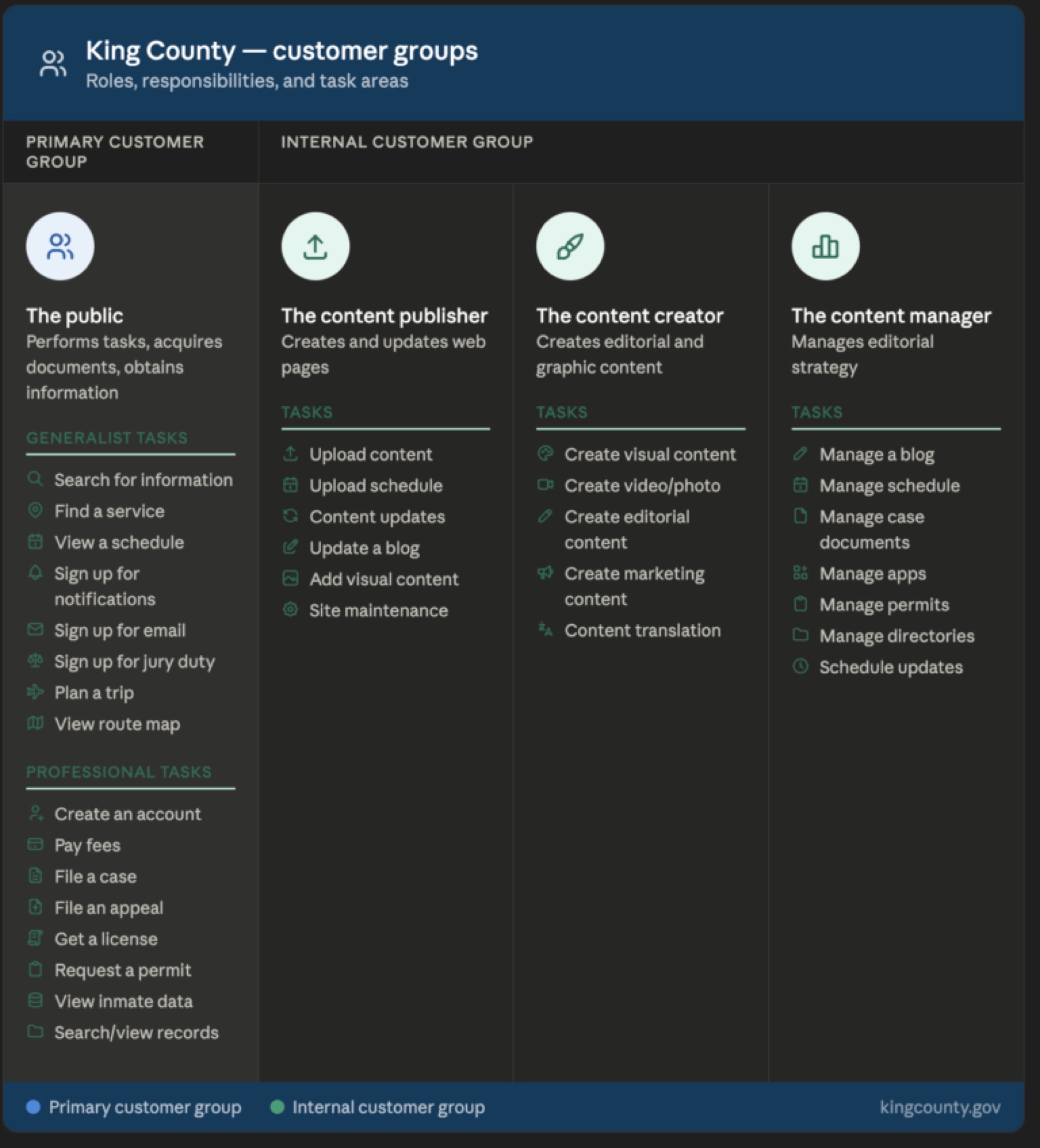
Two kinds of user
The public site and the internal design system served two different groups.
- The public. People completing tasks, getting documents, paying fees and finding information.
- Content teams. Publishers, producers and managers who create and update pages: the people the design system was really for.
My main customers were those editors, but every decision still had to be best for residents using the site to improve their lives.
Section 5
Listening first
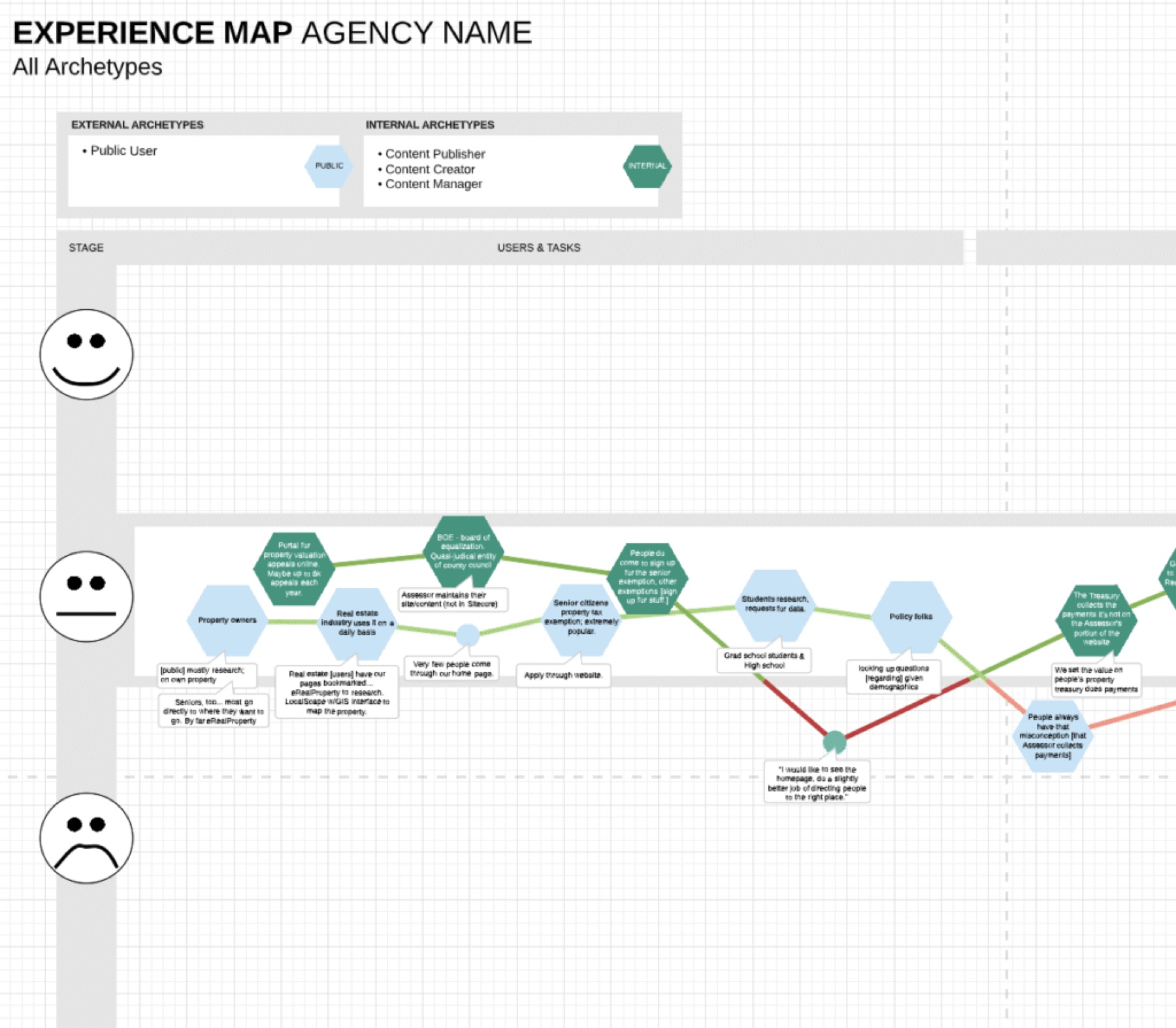
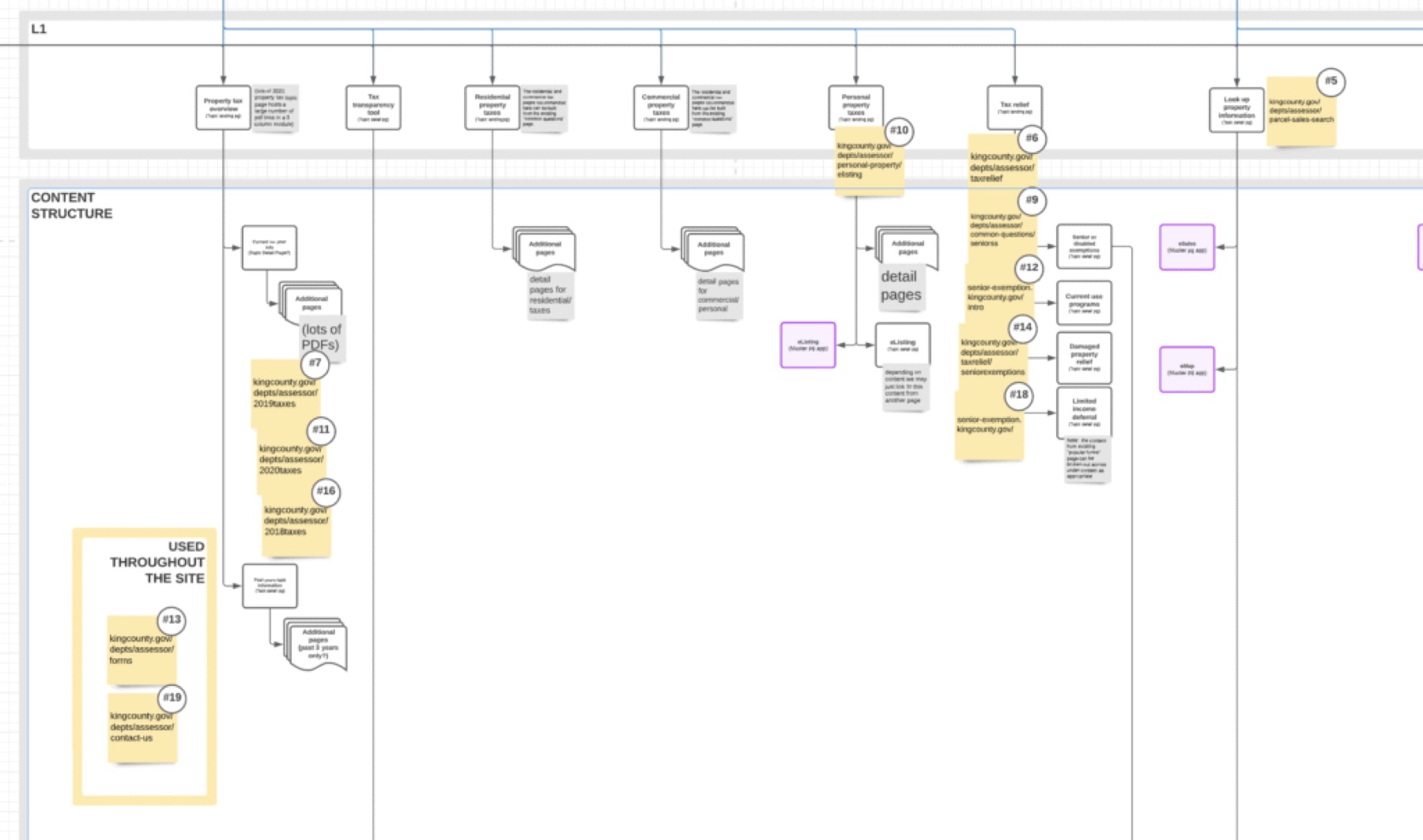
18 department interviews, each with 3 to 5 subject-matter experts, consolidated into an experience map.
Otter.ai transcription cut synthesis from days to hours. I coded what people said by energy, from "delighted" and "supported" to "disengaged" and "frustrated", and those signals placed each component on the effort and impact chart.
Section 6
What to build first
Every component went on an impact and effort chart, scored from real customer data. High impact and low effort shipped first.
- Surface pain points with the agency.
- Find the opportunity for a new component.
- Prototype it in high fidelity.
- Build it into the UI kit, then document when to use it, when not to, its states and best practice.
- Write specs for developers and guidance for content producers.
Section 7
Built around their mental model
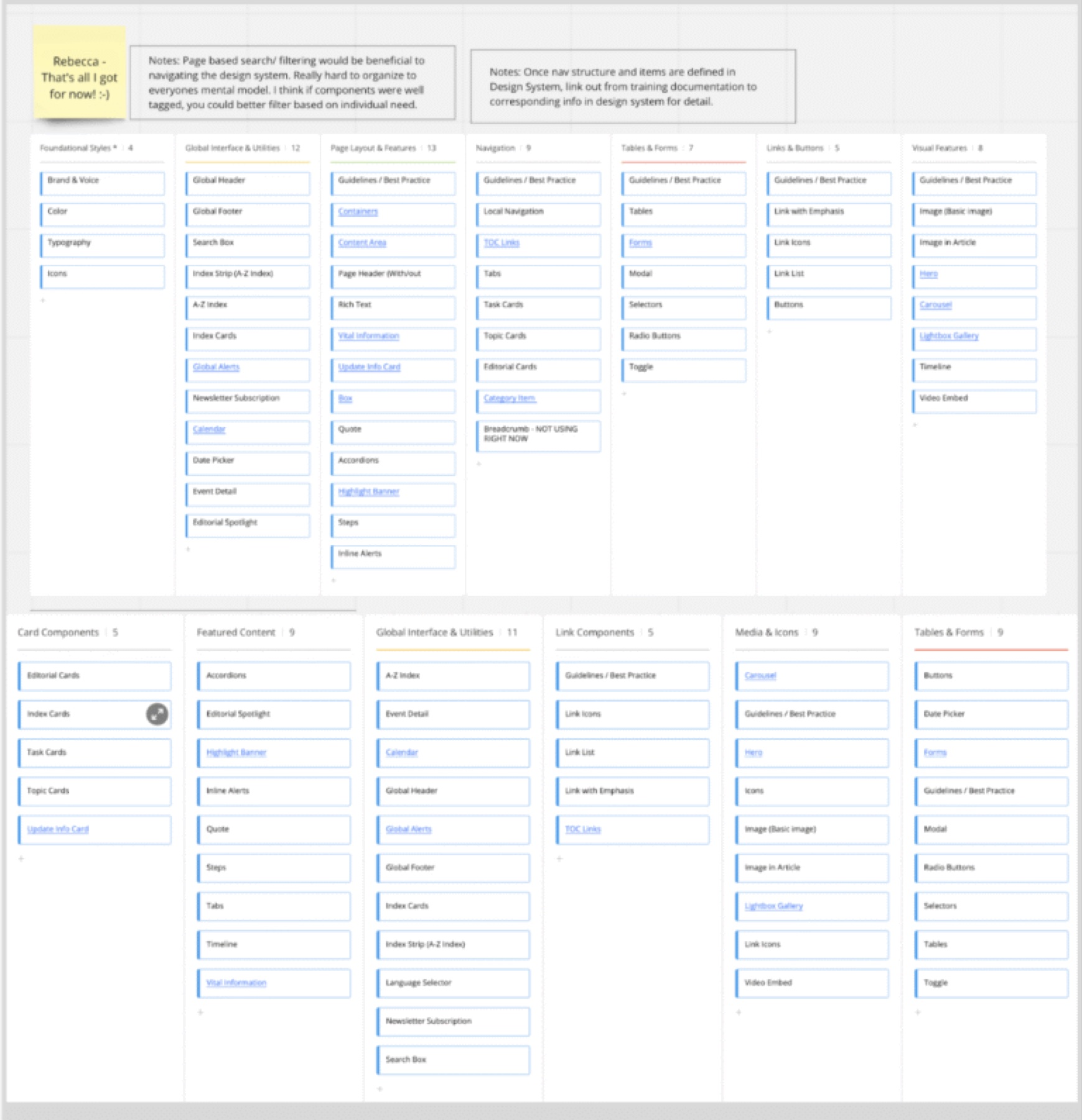
An open card sort with about 20 experts from each agency set the system's information architecture.
I wanted their mental models before assuming any categories. They sorted the components, I analysed the clustering, and the system became navigable by category, the way its customers think.
- 50 components, each with 3 to 5 variants
Section 8
LIQUID, built from itself
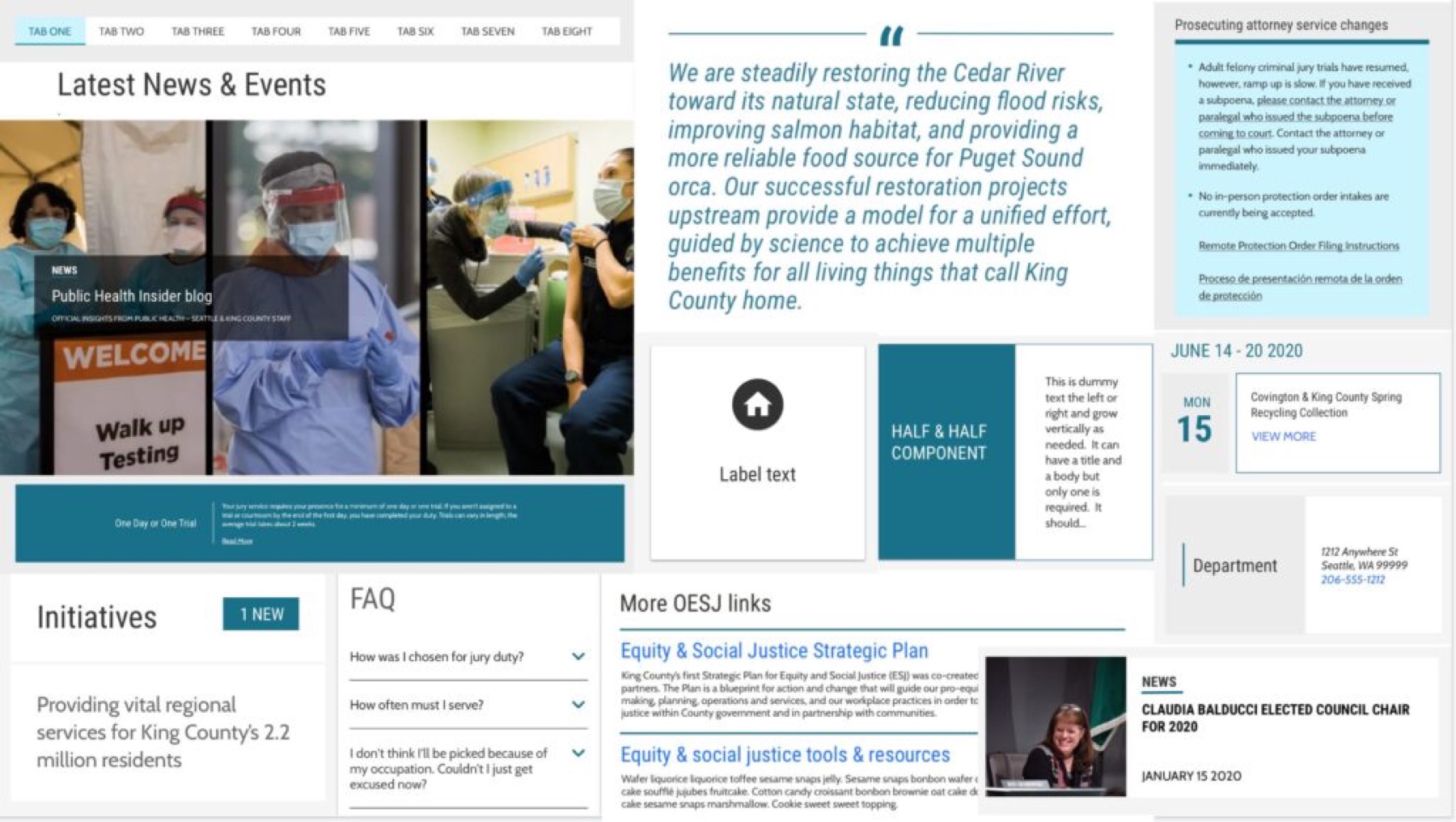
With developers, I built the new components in Sitecore CMS, matched to the designs.
LIQUID became a living best-practice reference, built from the very components and style guides it documents, with templates and navigation, content and accessibility standards. I supported content producers through office hours, workshops and guidance.
Section 9
Closing the gap with development
My users lived in Sitecore all day, so I learned Sitecore myself.
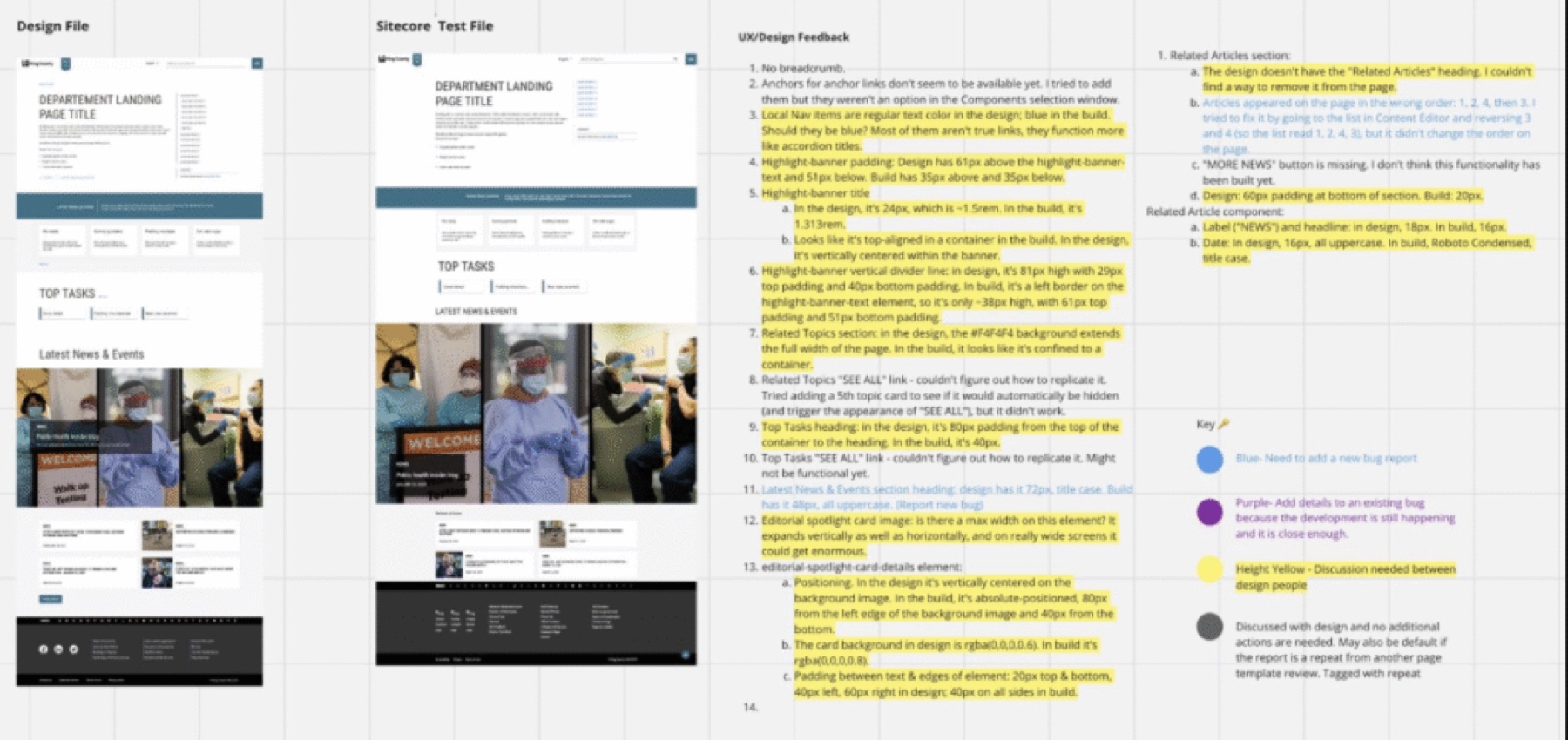
Designers had been giving developers text-only feedback with no context. Building the pages I designed let me compare them side by side with the templates, so I created a QA workflow, taught it to the other designers, and we shipped and verified components twice as fast.